


The YouTube Data API allows developers to extract valuable data like videos, channels, playlists, and user interactions. It helps businesses and creators analyze performance, automate workflows, and build data-driven applications. This guide explains what data you can access and how to use it effectively in real-world scenarios.
- The YouTube Data API returns channel, video, playlist, comment, and search data via endpoints like search.list, videos.list, and channels.list.
- Channel data covers subscriber counts, total views, video counts, and the date a YouTube channel was created.
- Each Google Cloud project gets 10,000 quota units per day, and one search.list call costs 100 units.
- Setup takes four steps: create a Google Cloud project, get an API key, call the endpoints, then parse the JSON response.
- Teams use the YouTube API for media dashboards, real time trend tracking, EdTech course recommendations, and competitor analysis.
Video content creates a more powerful impact on target audience than simple online engagement in today’s digital world and YouTube has become an excellent data goldmine. Many developers, online businesses, and marketers consider YouTube Data API as an excellent way to access and analyze the available YouTube data programmatically.
Whether you want to create analytics tools, search influencers, or create a few content-driven applications, our guide will help you understand what type of data you can extract and the effective ways to use it.
Overview of YouTube API Data
YouTube API is an innovative application programming interface that allows developers to communicate with the YouTube platform. The API allows users to manage and retrieve YouTube data, like channels, videos, comments, playlists, and many more. Moreover, YouTube API for developers serves as a bridge between the vast ecosystem of YouTube and diverse applications to build data-driven and scalable solutions.
What type of Data/Information YouTube API Data Can Extract?
API YouTube Data lets developers access diverse data points. A few important ones are as follows:
Channel Data
Users and developers may extract many important details associated with a YouTube channel. These include name and description of the channel, number/count of subscribers, total YouTube views, and the video counts. Also, one can get information regarding the date of YouTube channel creation.
Significance:
Information extracted about the YouTube channel lets developers understand the credibility and popularity of a content creator.
Video Data
Like YouTube channels, one can also collect data related to individual content creators’ videos. These details include the following:
- Title of the video, its tags, and description
- Number of views in a video/reel, likes, shares, and comments
- Date of the video uploaded and its duration
Significance:
Analyze the videos, which deliver their best performance in the niche.
Data on Comments and Engagement
Developers and online marketers may retrieve the number and type of replies or comments in a YouTube video. Simultaneously, one can identify trends in user engagement and sentiment indicators based on additional processing.
Significance:
Insights on engagement help marketers to measure the feedback and sentiment of the audience.
Playlists
Content creators may access two prime information related to YouTube Playlists, which are:
- Titles and descriptions of a YouTube Playlist
- List and type of videos included in a Playlist
Significance:
Content creators may curate and organize their video content efficiently to get more subscriptions in the vlogs.
Search Results
Data YouTube API helps influencers and YouTubers to be aware of the trends by:
- Searching videos based on the group of keywords
- Filter videos based on their date, popularity, and relevance
Significance:
One can easily identify niche-specific and trending videos and media content.
How to Use the YouTube API Data and API Key?
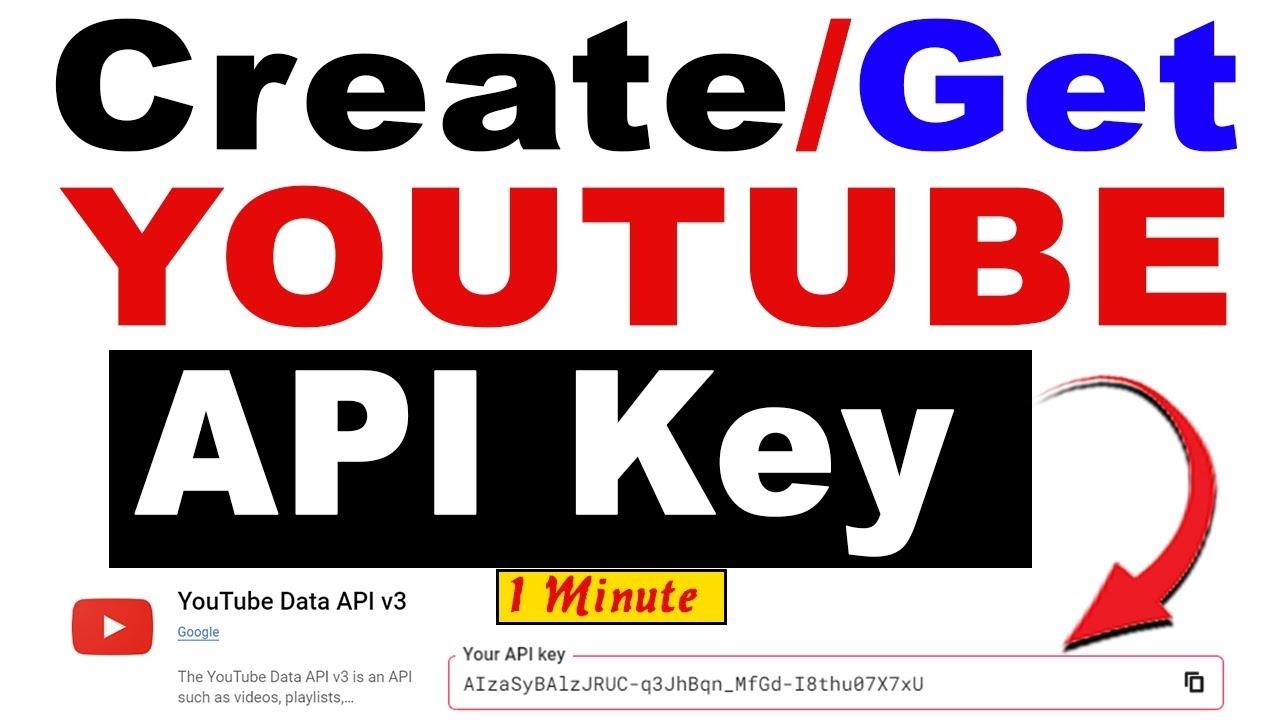
Once you get information related to YouTube API Data, users and developers need to perform a few simple and easy steps:
Get Access to API Key
To start, create a project in the console of Google Cloud and obtain an API key for YouTube.
Make Different Requests for API
Use a few endpoints to request for API. These include search.list, videos.list, and channels.list.
Process the Obtained Data
Depending on individual choice, developers may choose Java, JavaScript, or Python for parsing JSON responses into a data dictionary.
Build the Necessary Applications
In the last step, you need to integrate the data into apps, dashboards, and automation tools.
Real-World Scenarios and Applications of YouTube Data
Case 1-A Media Company Seeking to Create a Centralized Dashboard
A media company is managing different YouTube channels but willing to create a centralized dashboard. Even though YouTube studio analytics are related to engaging videos, video views, likes, and others, companies need customized insights.
Role of YouTube Data API
YouTube Data API will help the media company and its social media marketers by:
- Tracking the performance of different YouTube videos across diverse channels.
- Compare the users’ engagement metrics for each video and YouTube channel.
- Monitor the latest growth trends with time.
Outcome
The media company will get details and insights related to YouTube videos generating the highest number of views and user engagement in no time. Accordingly, the company will refine their existing content strategy and schedule of posting videos.
Case 2-Real-Time Trend Analysis
An influencer or a content creator wants to monitor trending topics and contents in real-time.
Role of YouTube Data API
YouTube Data API eases the task of understanding trends for influencers and content creators as follows:
- Search trending videos based on keywords with high search volume
- Analyze the spike in video engagement
- Identify and track viral videos and media content
Outcome
The analysis and reports obtained via YouTube Data API will allow the content creator/influencer to create relevant and timely content based on the interests of his/her audience.
Case 3-An EdTech Tutorial Willing to Collect Personalized Recommendations
An EdTech tutorial launching professional courses videos wants to get personalized recommendations from its students.
Role of YouTube Data API
- Fetch educational videos according to the users’ preferences
- Retrieve trending videos or content based on specific categories
- Combine videos with AI features for customization
Outcome
The edtech tutorial receives automatic recommendations on relevant videos to boost the learning experience by saving the manual efforts.
Case 4-Competitor Analysis for a Startup Company
A startup company needs to understand the actions and strategies of its competitors.
Role of YouTube API Data
YouTube API data monitors different YouTube channels owned by the startup company’s competitor by:
- Analyzing the YouTube videos and channels of the competitors
- Track the performance of each video and reel/shot
- Identify the trending video/reel topics
Outcome
The startup company and its experts will identify the content gaps based on the reports given by API and identify their content gaps for improvement. In this way, it will create videos to entice a large group of audience and obtain a massive customer base.
FAQs:
1. What is the YouTube Data API used for?
The YouTube Data API is used to access and manage YouTube data such as videos, channels, playlists, and comments programmatically.
2. Is the YouTube Data API free to use?
Yes, it offers free usage with a quota limit. Additional usage may require optimization or quota extension requests.
3. Which programming languages can be used with the API?
You can use Python, JavaScript, Java, and other languages that support HTTP requests and JSON parsing.
4. Can I use the API for influencer marketing?
Yes, many platforms use the YouTube Data API to analyze channel performance and identify suitable influencers.
5. What are the limitations of the YouTube Data API?
The main limitations include quota restrictions, limited access to private data, and the need for efficient request management.
What is the YouTube Data API used for?
The YouTube Data API lets you read and manage YouTube data programmatically, including videos, channels, playlists, comments, and search results, without scraping the site.
What data can you extract with the YouTube Data API?
You can pull channel details like subscribers and total views, plus video titles, tags, view and like counts, upload dates, durations, comments, playlists, and search results.
How do you get a YouTube Data API key?
Create a project in the Google Cloud console, enable YouTube Data API v3, then generate an API key. That key covers read only access to public YouTube data.
Which endpoints should you call first with the YouTube API?
Start with search.list to find videos by keyword, videos.list for metrics on a single video, and channels.list for channel stats like subscribers and total view counts.
Is the YouTube Data API free to use?
Yes. The API is free, but every Google Cloud project gets 10,000 quota units a day, so heavy usage needs request optimization or an approved quota extension.
How much quota does a YouTube API search call cost?
A single search.list call costs 100 quota units, so the default 10,000 unit daily allowance covers roughly 100 keyword searches before requests start returning errors.
Which programming languages work with the YouTube Data API?
Python, JavaScript, and Java are the usual picks, and any language that can send HTTP requests and parse JSON responses will work with the YouTube Data API.
Can the YouTube Data API be used for influencer marketing?
Yes. Creator platforms use it to measure channel performance, compare engagement across videos, and shortlist influencers whose reach and niche fit a campaign.
What are the main limitations of the YouTube Data API?
Daily quota caps, limited access to private channel data, and the need to batch requests efficiently are the main constraints teams hit with the YouTube Data API.
How does Phyllo help teams work with YouTube data?
Phyllo is a social data infrastructure platform that delivers YouTube data through one API alongside other creator platforms, covering both public and consented account data.