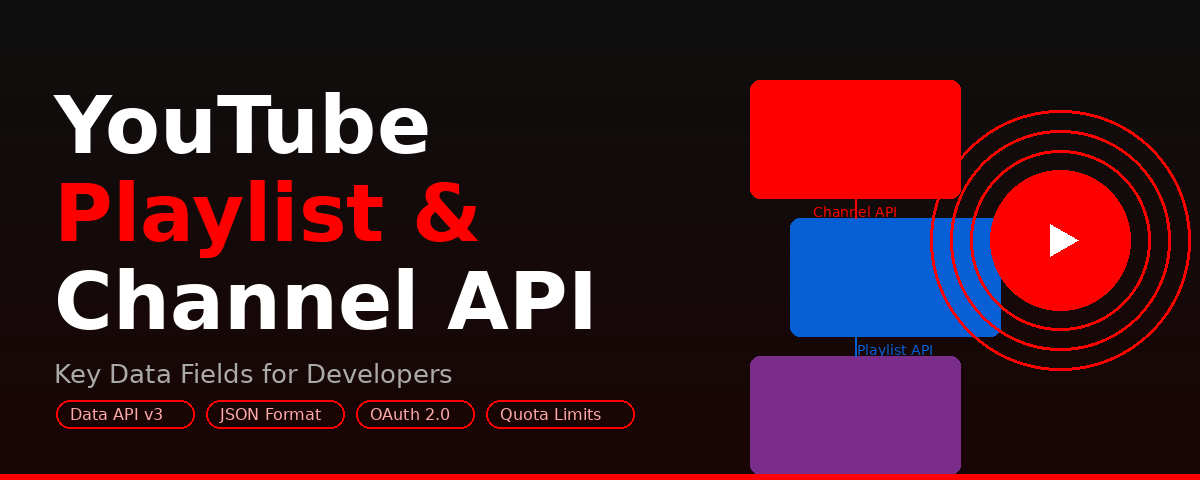


The blog explains how the YouTube Channel API and YouTube Playlist API help developers access structured video data. It highlights key data fields like subscriber count, playlist items, and metadata. It also showcases real-world use cases and best practices for building scalable video applications.
- The YouTube Playlist API and YouTube Channel API both sit inside YouTube Data API v3 and return data in JSON.
- Channel fields include channel ID, title, description, subscriber count, video and view counts, published date, thumbnails, custom URL, and country code.
- Playlist responses carry a unique playlist ID, title, description, and privacy status of public, private, or unlisted.
- Six worked cases cover analytics dashboards, content aggregation, recommendation engines, influencer vetting, EdTech course building, and trend monitoring.
- Google allows 10,000 quota units per day, so batch up to 50 channel IDs per call and request only the parts you need.
Video content has a prime role in modern marketing, entertainment, and education fields. If you are a developer, you cannot overlook the significance of analyzing and accessing the video content efficiently.
Here comes the role of YouTube Playlist API and YouTube Channel API, which serve as powerful tools for developers. The APIs allow developers to retrieve fully structured data from YouTube to create analytics dashboard, and content automation tools.
Overview of YouTube Playlist API and YouTube Channel API
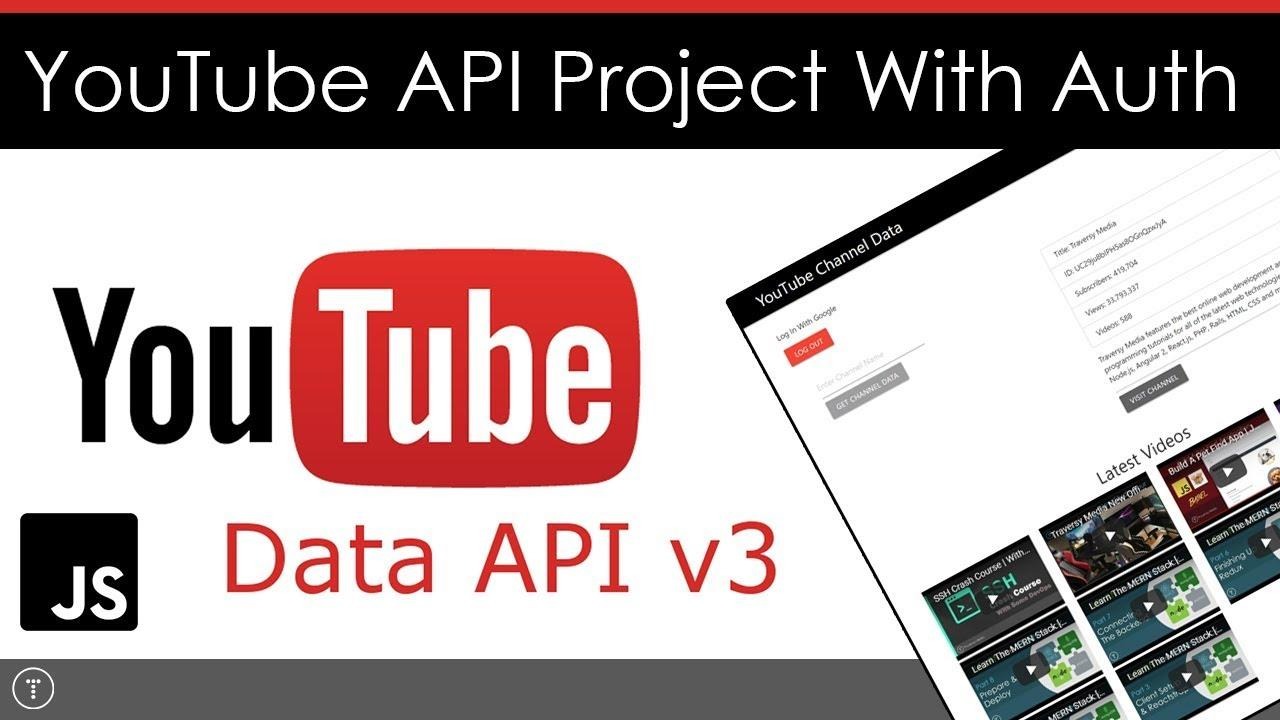
The YouTube Playlist API and the YouTube Channel API are the two prime components of the YouTube Data API V3. It helps developers to retrieve, manage, and update their YouTube playlist content and channel data programmatically. These YouTube APIs also automate to list uploads, organize playlists from videos, and fetch different channel statistics to return data in JSON formats.
Functions and Scope of YouTube Channel and YouTube Playlist API

Developers use YouTube Channel API to get access to detailed information on YouTube channels. Such details are vital to build analytics tools, content aggregation systems, and influencer tracking platforms. Accordingly, the API contains the following data fields:
Channel ID
Channel ID refers to a unique identifier for every YouTube channel and it helps users to fetch channel-specific data.
Title and Description of the Channel
In this case, API will display the bio and name of different YouTube channels. Accordingly, developers and marketers may use the information for display and categorization.
Number of Subscribers
The YouTube Channel API provides information on the number of subscribers, which is a critical metric to measure the influence and popularity of the channel.
Video and View Counts
The Channel API finds out the number of videos published by any YouTube channel. Also, it displays the exact number of views across different videos on a specific channel.
Published Date of Videos/Channels
In some cases, the YouTube Channel API highlights the published date of videos or date of creation of a YouTube Channel needed for historical analysis.
Thumbnails
The API contains URLs for different sizes possessed by the profile image of the channel.
Custom URL and Country Code
- Custom URL: If a channel has a custom URL (e.g., youtube.com/yourbrand), the API returns this human-readable link, which is useful for branding and direct audience access.
- Country Code: The API provides the channel's registered country (e.g., "US," "IN," "UK"), enabling geo-targeting and helping marketers understand the geographic distribution of content creators.
Playlist Details
The YouTube Playlist API provides a unique Playlist ID for every playlist. Simultaneously, one can get details i.e., the title and description of the playlist.
Privacy Status
Any special Playlist API also determines the status of any YouTube channel or playlist. Accordingly, users may know whether the playlist is unlisted, private, or public. Each field helps developers to create dashboards to track the channel growth, identify trending channels, and compare content creators.
Real-World Scenarios of YouTube Playlist & Channel APIs
The YouTube Playlist and Channel APIs are part of the YouTube Data API. It offers structured data about playlists, channels, subscribers, videos, and engagement metrics. Marketers and developers use this data to create several powerful insights and applications. A few of the real-world scenarios associated with the YouTube Channel API are:
Case 1-YouTube Channel Analytics Dashboard
A digital marketing agency ABC creates a dashboard to track the performance of different YouTube channels. In this case, YouTube Channel and YouTube Playlist API may help by:
- Fetching the channel data, like the total views, video count, and subscriber count
- Track the performance of playlist based on number of views and addition of new videos
- Monitor the engaging trends with time
Case 2-Automated Platforms for Content Aggregation
A business website xyz.com automatically collects YouTube videos from diverse YouTube channels into combined playlists. API in this case will:
- Pull diverse videos from specific YouTube channels
- Organize the collected videos into playlists according to the topics or chronology
- Update the video content in real-time
Case 3-Content Recommendation Engines
A video platform or online application recommends relevant YouTube videos according to the users’ interests. For this, platform may use API to:
- Extract categories, themes, and other playlist data
- Analyze the types of channel content
- Recommend videos from similar channels or playlists
Case 4-Influencers’ Identification and Evaluation for Campaign Management
A smartphone brand may identify and evaluate its YouTube influencers for further collaborations. For this, it takes help from API to:
- Access uploads, views, subscribers, and other channel-related statistics
- Analyze the themes of playlist and interests of the target audience
- Track user engagement and consistency
Case 5-Building of Structured Courses for Learning Management
An EdTech online learning platform may use YouTube API to create structured courses from YouTube playlists as follows:
- Extracting the videos of YouTube playlist in the right sequence
- Display metadata associated with each video, like the title, thumbnails, and duration
- Videos embedded into diverse course modules
Case 6-Trend Analysis and Social Media Monitoring
A startup media company KT Media may use YouTube Channel API to track trending entertaining topics as follows:
- Monitor the newly created YouTube playlists
- Track the frequency of video uploads
- Analyze common, trending, and popular topics based on their tags and titles
Conclusion
The YouTube Playlist API and YouTube Channel API offers a robust foundation to create data-driven video applications. It allows developers and marketers to understand vital data fields, like playlist items, subscriber counts, and metadata to unlock relevant insights and gain engaging user experiences.
Frequently Asked Questions
1. What is the YouTube Channel API used for?
The YouTube Channel API is used to retrieve data about YouTube channels, including subscriber count, views, and metadata for analysis or display.
2. How does the YouTube Playlist API work?
The YouTube Playlist API allows developers to access playlist details such as video lists, titles, and descriptions for content organization and recommendations.
3. Can I combine both APIs in one application?
Yes, combining the YouTube Channel API and YouTube Playlist API enables more advanced features like analytics dashboards and content curation.
4. Are there any limitations to these APIs?
Yes, YouTube APIs have quota limits, so developers need to optimize requests and manage usage efficiently.
5. Is authentication required to use these APIs?
Some data can be accessed publicly, but certain features require authentication using API keys or OAuth 2.0.
What data fields does the YouTube Channel API return?
The YouTube Channel API returns the channel ID, title, description, subscriber count, video and view counts, creation date, thumbnail URLs, custom URL, and country code.
What does the YouTube Playlist API give you?
The YouTube Playlist API returns a unique playlist ID plus the playlist title, description, and privacy status, so uploads can be listed and organized programmatically.
Can you use the YouTube Channel and Playlist APIs together?
Yes. Both live inside YouTube Data API v3, so one app can pull channel statistics and playlist items together to power an analytics dashboard or content curation.
Is an API key enough, or do you need OAuth 2.0?
An API key covers public channel and playlist data. Private playlists and any write action, such as updating a playlist, need OAuth 2.0 authorization from the account owner.
What is the YouTube Data API daily quota?
Every Google Cloud project gets 10,000 YouTube Data API quota units per day. A channels.list call costs 1 unit, and each extra page of playlist items costs 1 unit more.
How do you cut YouTube API quota use?
Batch up to 50 channel IDs into a single channels.list request, then trim the response with the part and fields parameters so you only fetch properties you actually read.
Why is the subscriber count in API responses rounded?
YouTube rounds public subscriber numbers, and statistics.subscriberCount in the API mirrors that display policy, so treat the figure as approximate rather than exact.
What can developers build with the YouTube Playlist and Channel APIs?
Typical builds are channel analytics dashboards, content aggregation feeds, recommendation engines, influencer vetting tools, EdTech course modules, and trend monitoring apps.
How does Phyllo help with YouTube channel and playlist data?
Phyllo is a social data infrastructure platform that serves YouTube channel, playlist, and video data through one API, covering public profiles and creator-authorized accounts.